Case Study
AI voice agents made our core product obsolete. We launched a new product alongside it.
- Company
- XOIP
- Cloud telephony · SME market
- My role
- Product Lead
- Strategy · Design · Build
- Timeline
- 2026
- In active development
- Stack
- Python · Next.js
- Pipecat · LLM APIs · Evals


01 · Business Context
Simple, affordable phone management for SMEs, until AI changed what the product needed to do.
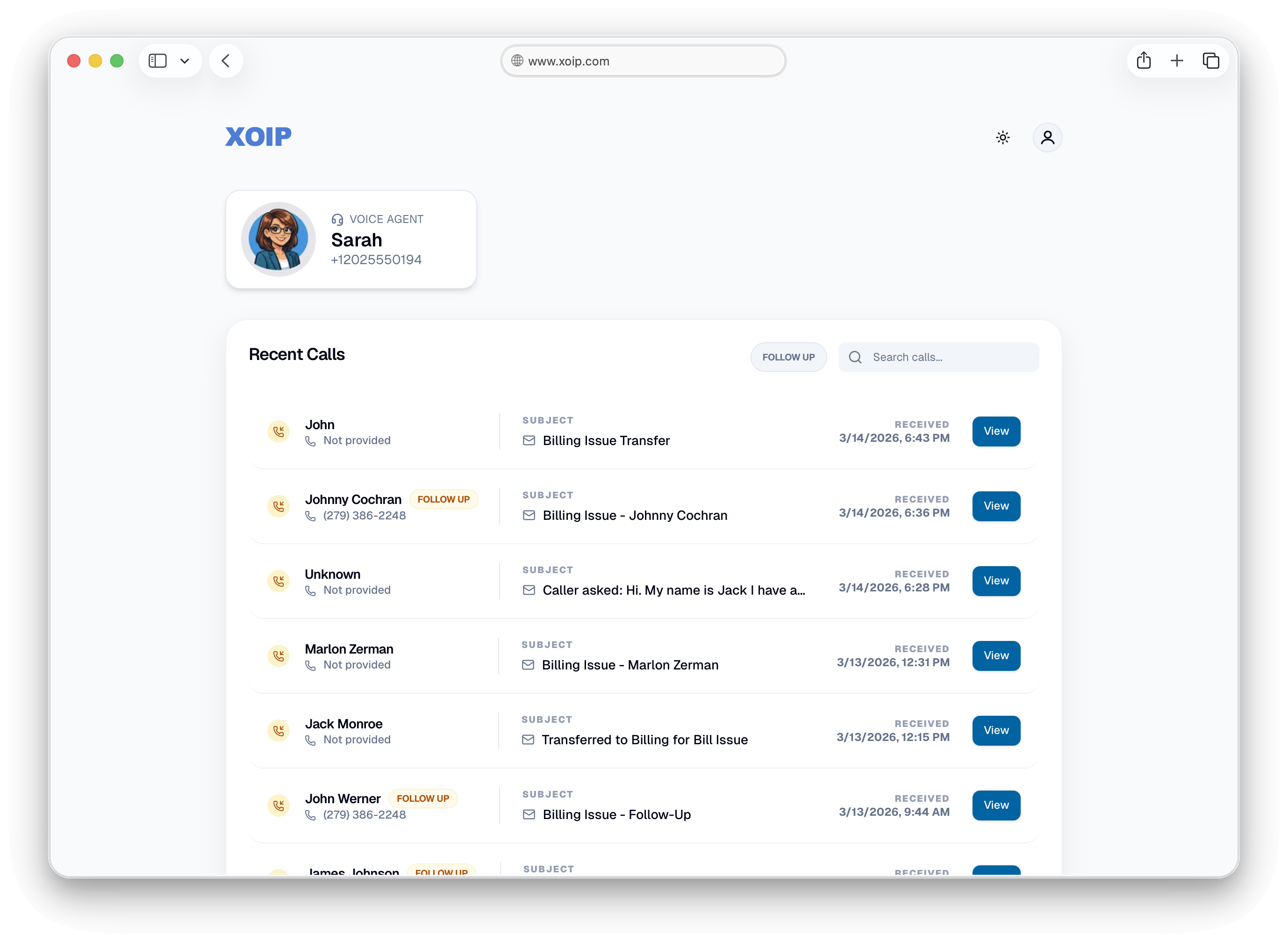
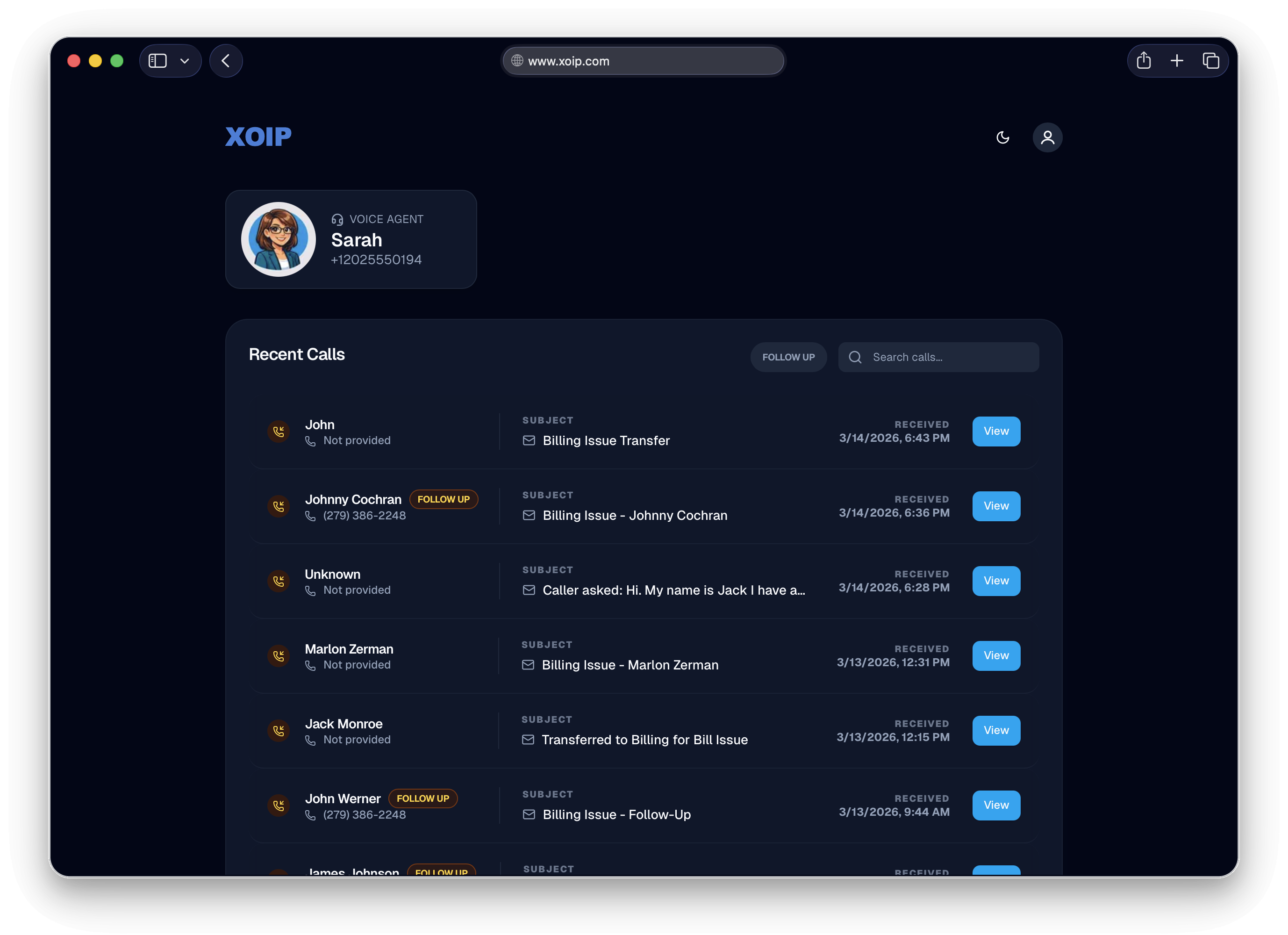
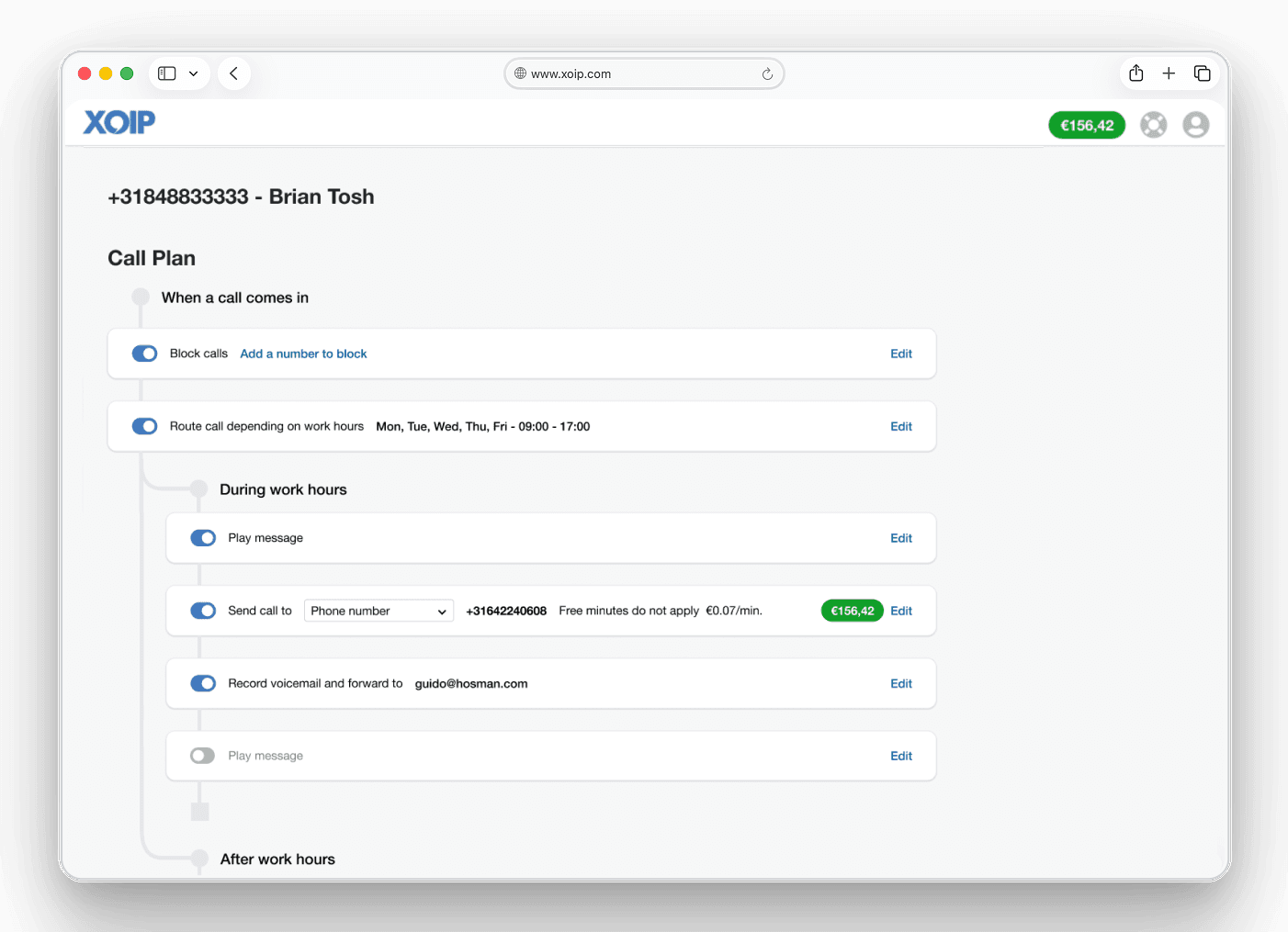
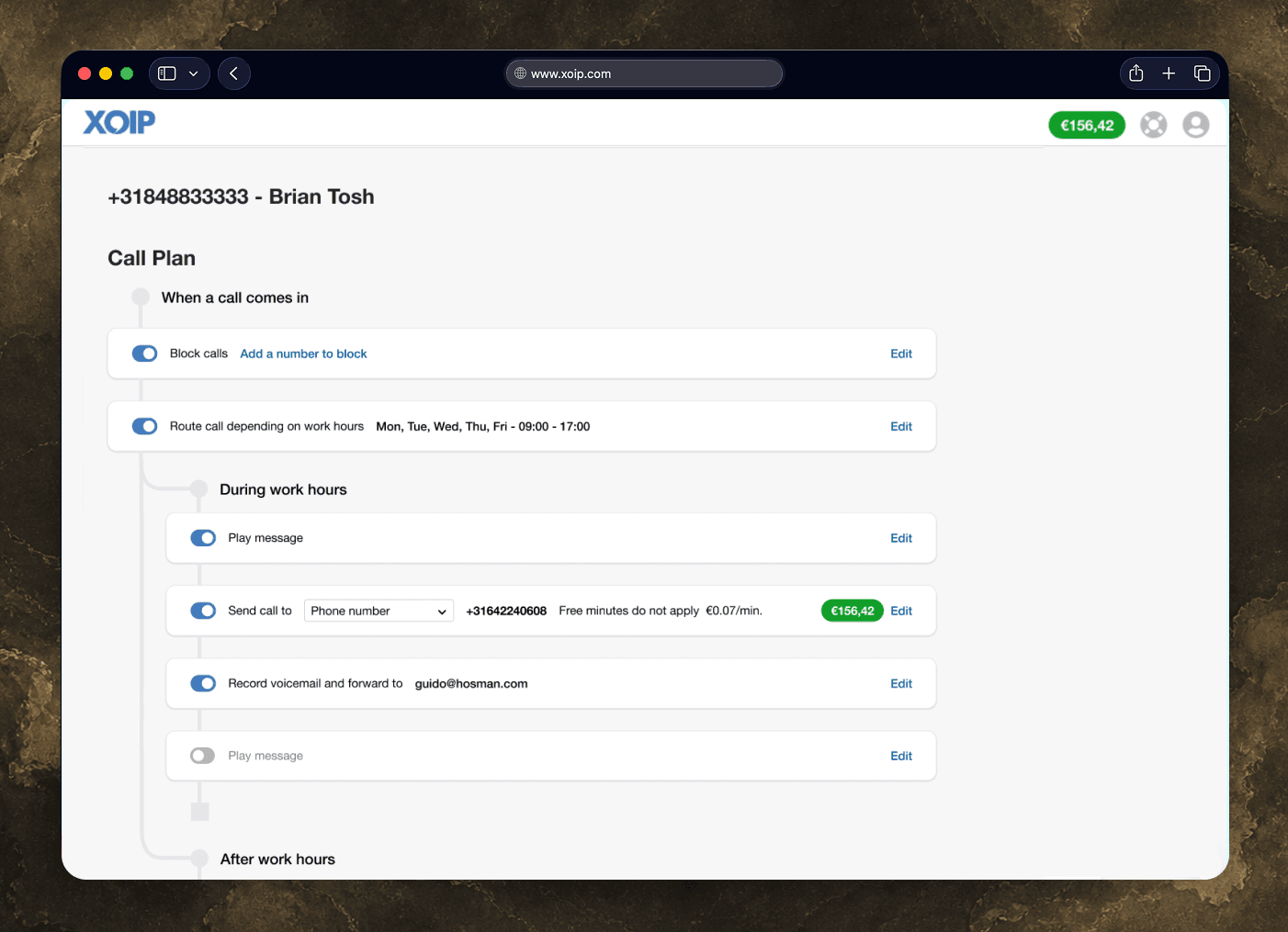
XOIP provides phone numbers to small and medium businesses with a simple call-configuration layer: routing, voicemail, office hours, and blocked numbers. The product works because SME owners can set it up themselves, without a telecoms engineer.
AI voice agents change the job. An agent can handle the routing XOIP already offered, then answer questions from a knowledge base, book appointments, look up customer data, and speak naturally in another language. That was previously out of reach for most SMEs.
The question was not whether to build it. It was whether to add it to the existing product or treat it as a new product.
02 · The Strategic Call
New product, not a feature upgrade.
I tested the idea of adding the voice agent to the existing Call Plan as an AI layer. I designed that path to see if it held up. It did not.
The existing product is simple because it limits the choices. SME owners configure a finite set of rules. A voice agent behaves in open-ended ways. Putting that product inside a limited rule editor would make it look like a smarter IVR, which was the wrong promise.
We launched it as a separate product with its own onboarding and pricing, plus a migration path from classic subscriptions. There was pushback because separate products take more work to maintain. A live demo settled the question.
Key decision
Don't position AI as a smarter IVR. It is a different product for a different customer relationship. The business talks to its phone system instead of configuring every rule.
03 · The Insight
If the product is an AI service, the configuration tool should be AI-native too.
The first design was a conventional form. SME owners filled in fields to configure the agent: cards, inputs, and dropdowns. It worked, but it treated the agent like a settings object.
Asking someone to configure an AI agent through a settings panel is like making a touchscreen that only works with a keyboard. If the agent can answer calls naturally, the owner should be able to instruct it naturally too.
The hypothesis
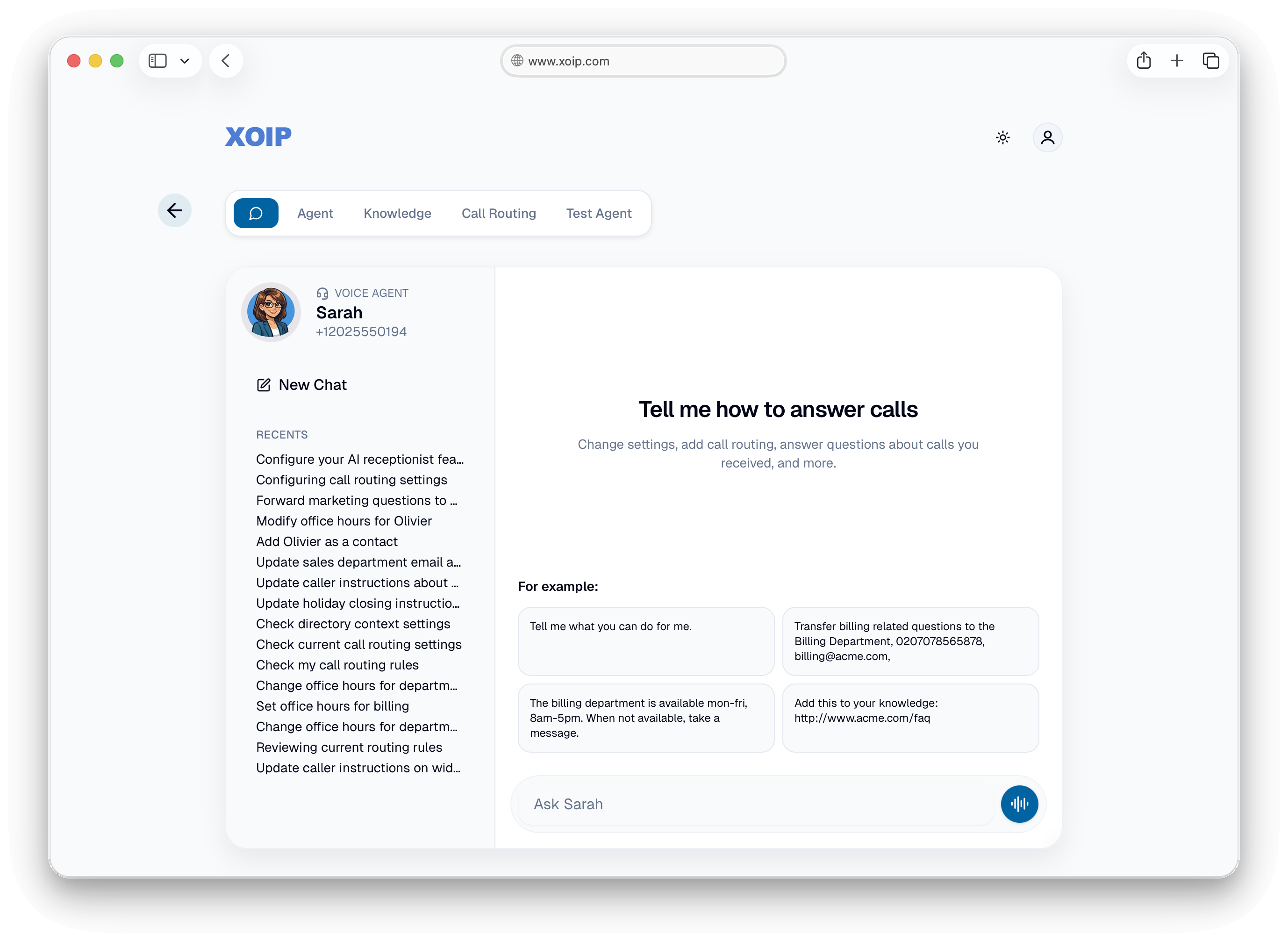
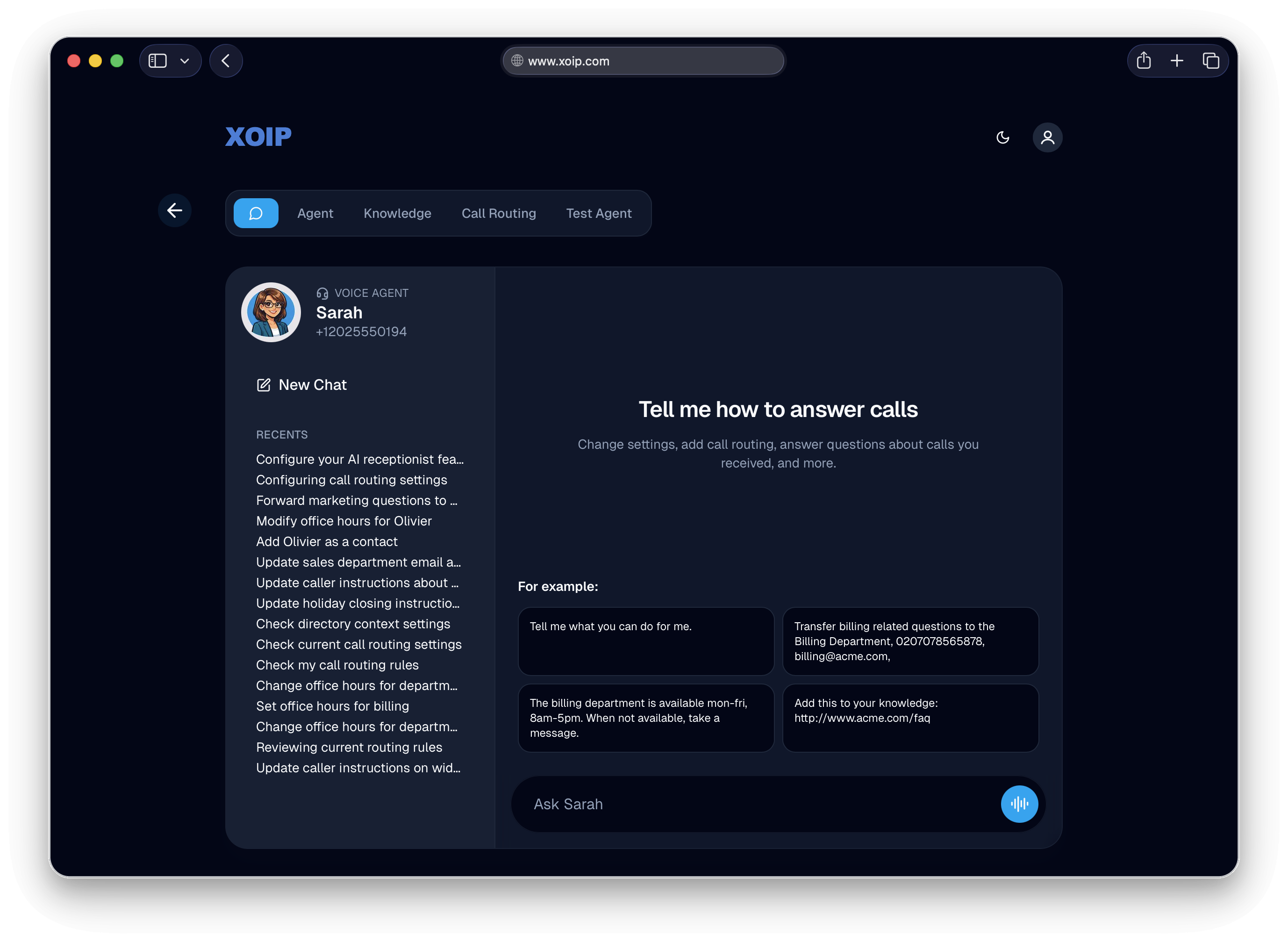
The primary interface for configuring a voice agent should be a conversation, not a smarter form. An SME owner should be able to say “Transfer billing questions to the billing department, they’re available weekdays 8 to 5” and have the system configure itself. Structured views for routing rules, knowledge sources, and agent settings provide read-back and verification. They are not the starting point.


04 · Design Decisions
Four choices shaped the voice UI.
Four decisions shaped how the product works and feels.
Structured views as transparency, not control
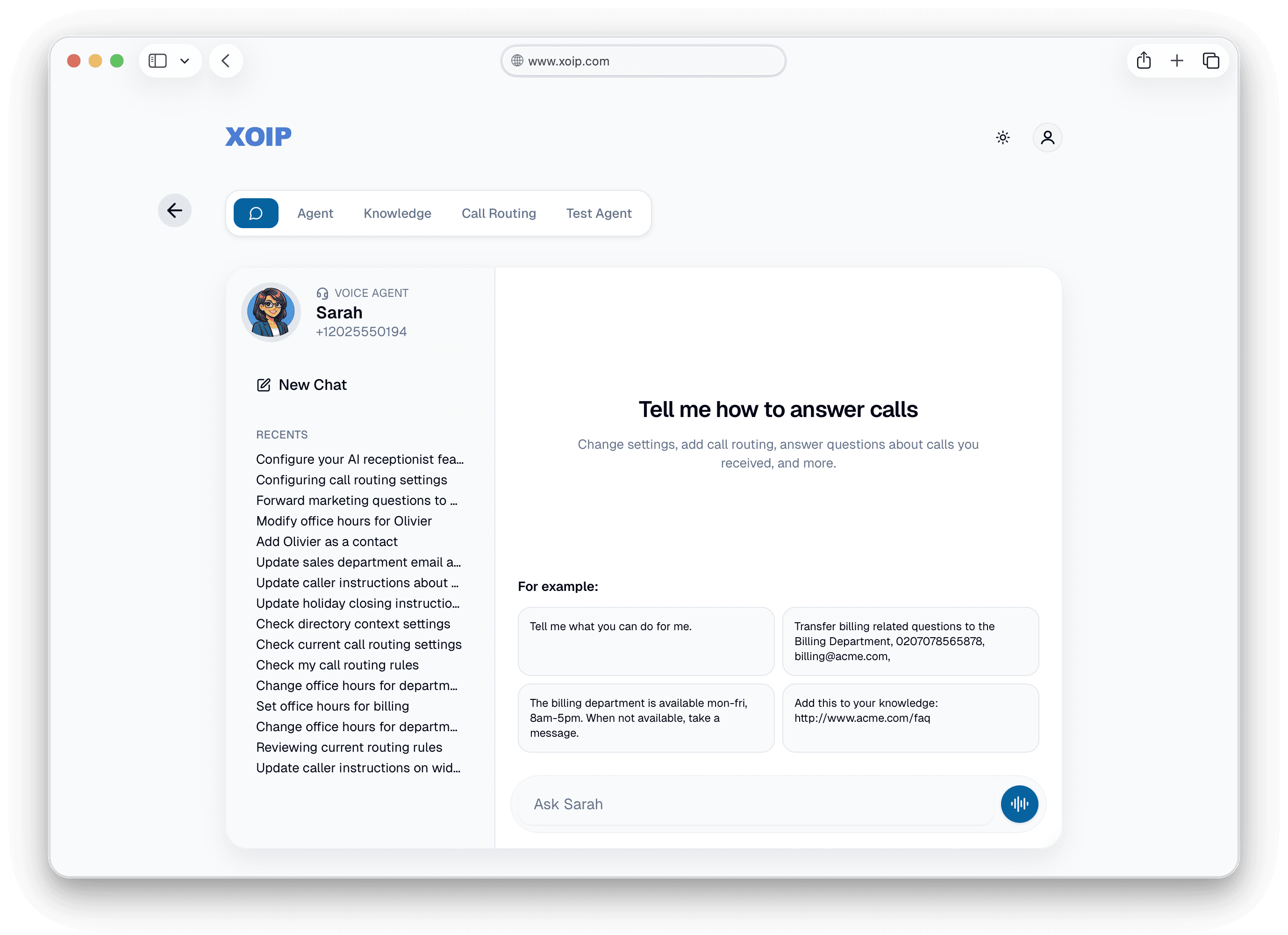
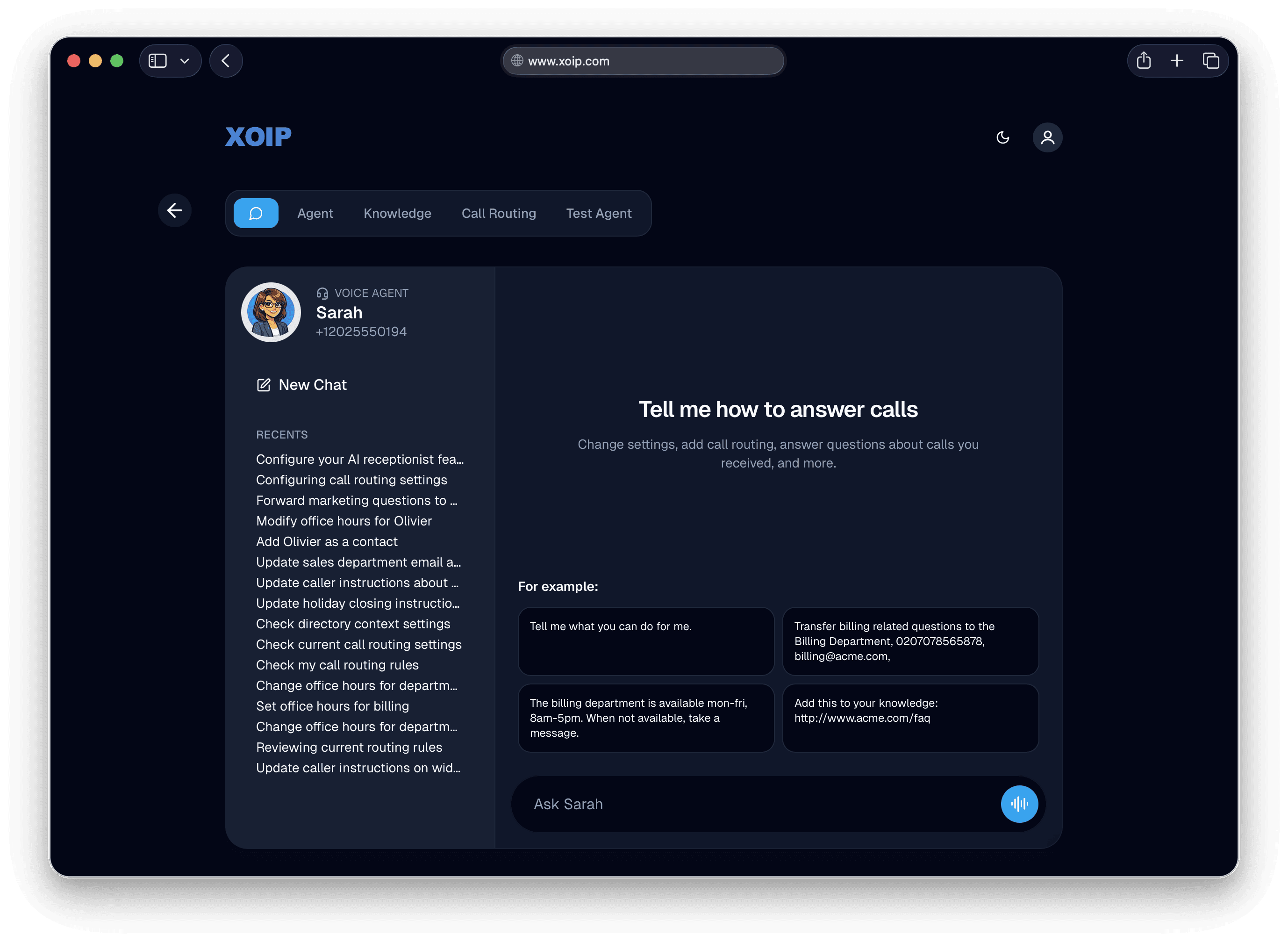
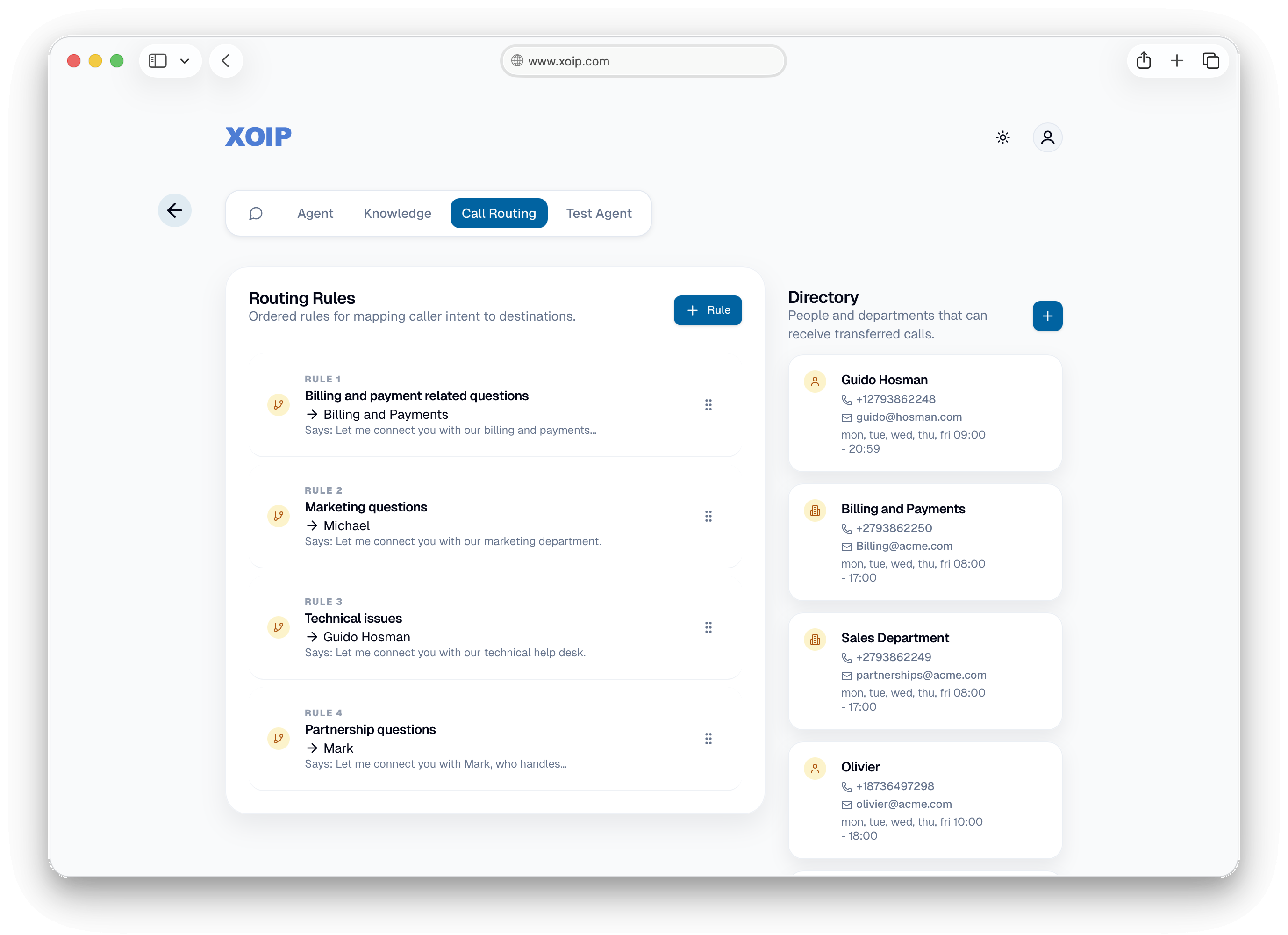
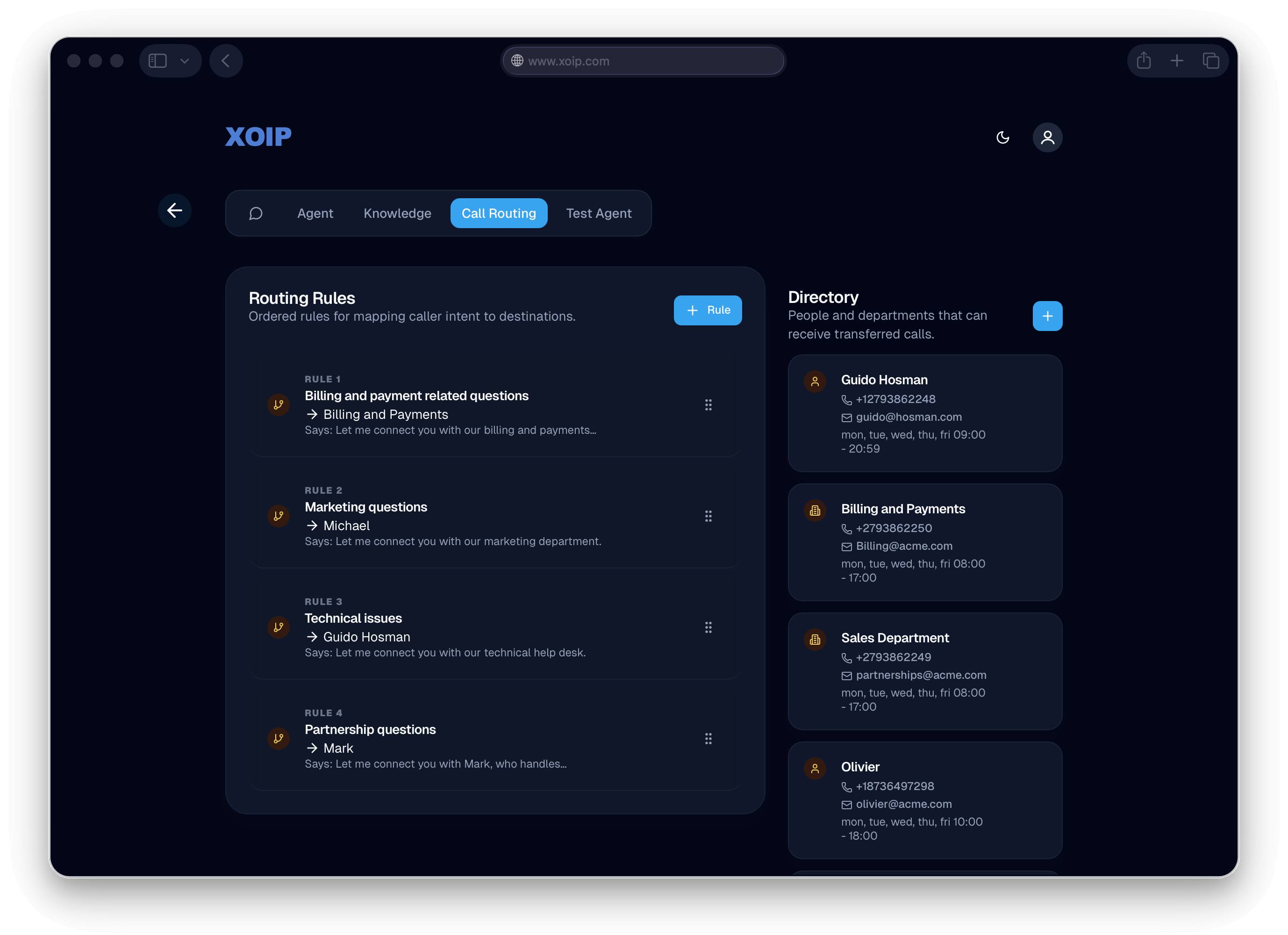
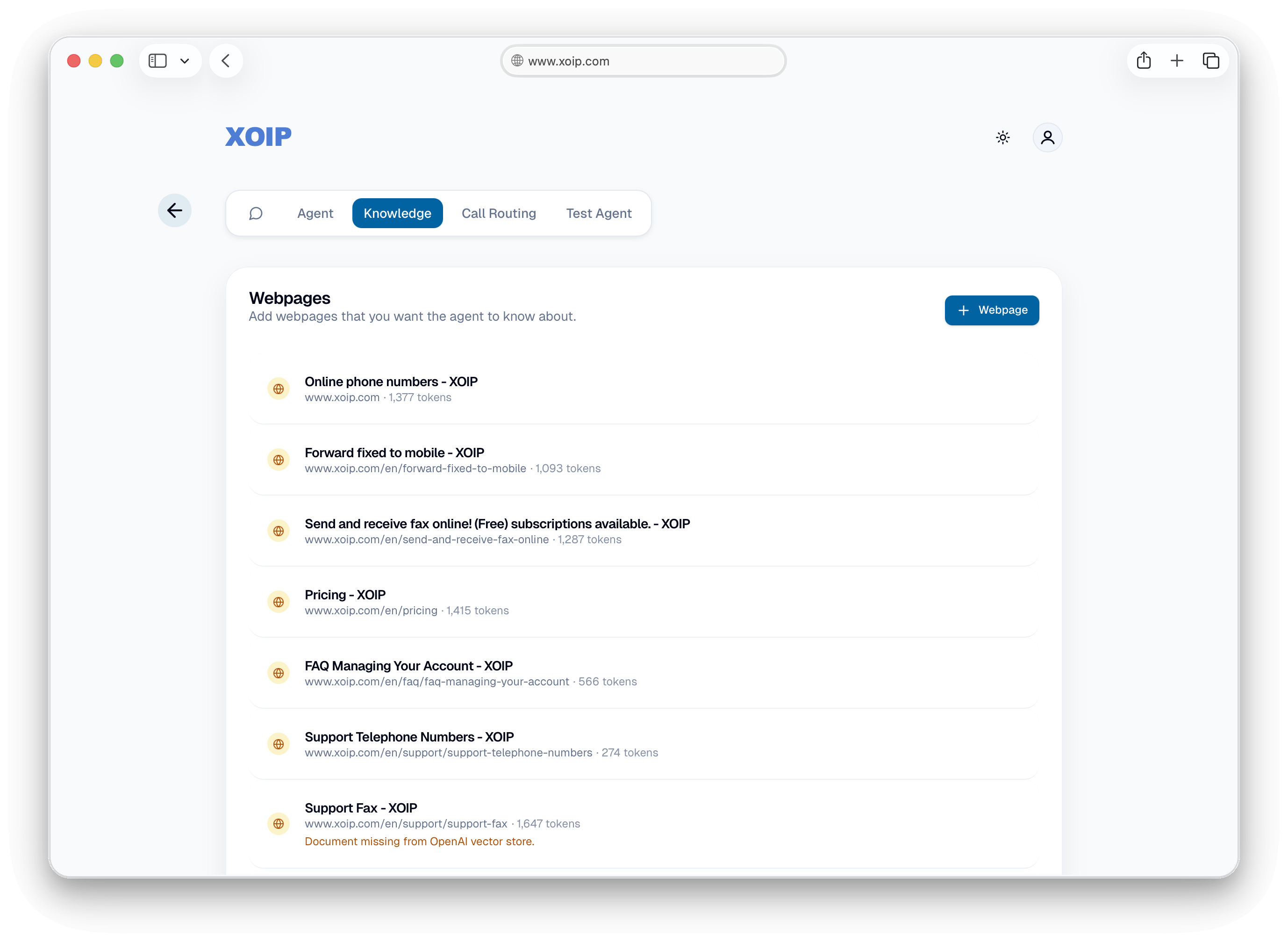
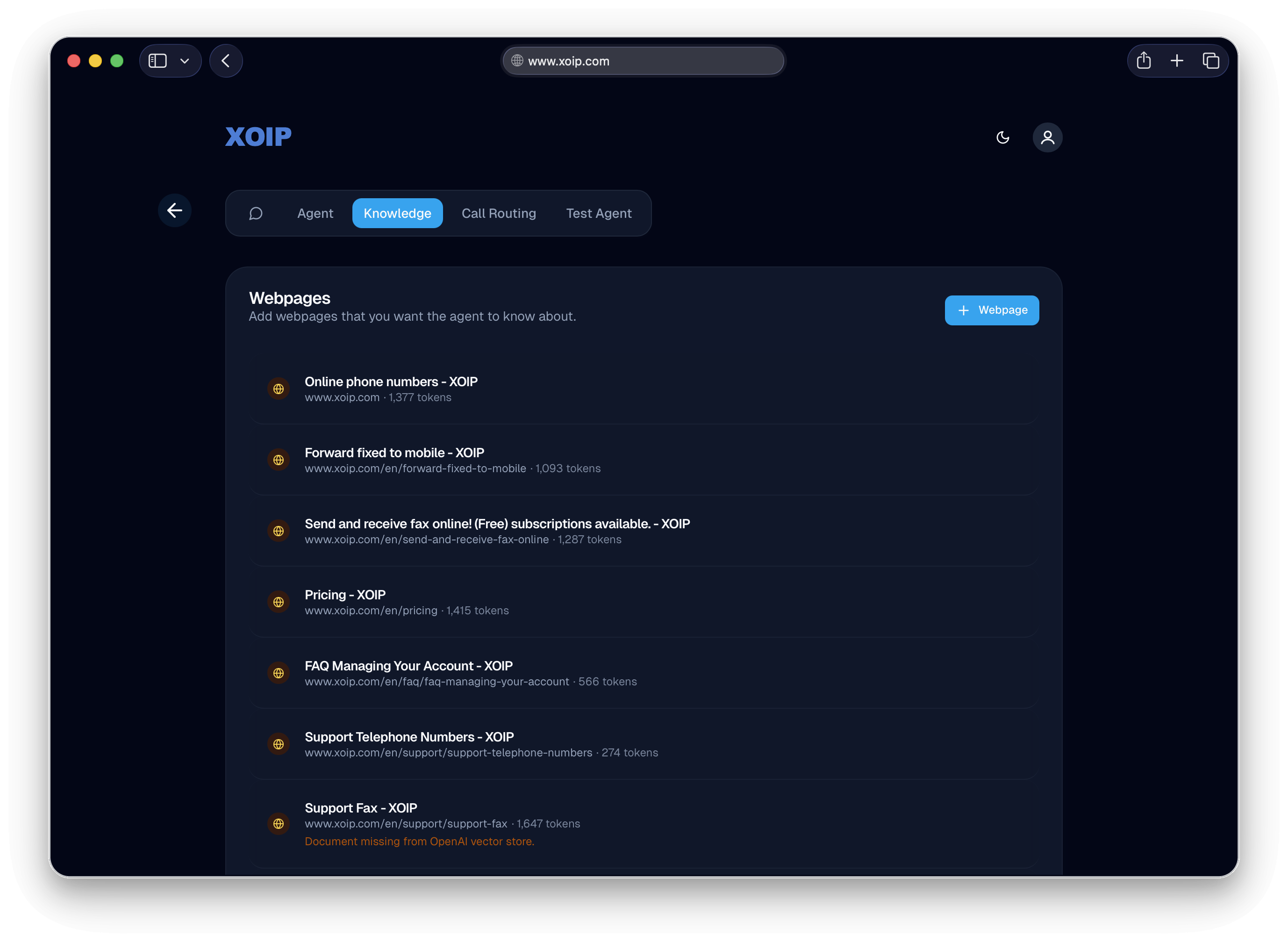
Chat is the entry point, but routing rules, knowledge sources, and agent settings remain structured views. SME owners sometimes want to check what they configured. The Agent, Knowledge, Call Routing, and Test Agent tabs are for checking the result, not for controlling every detail. That separation helps people trust the system.
The agent is the brand's voice
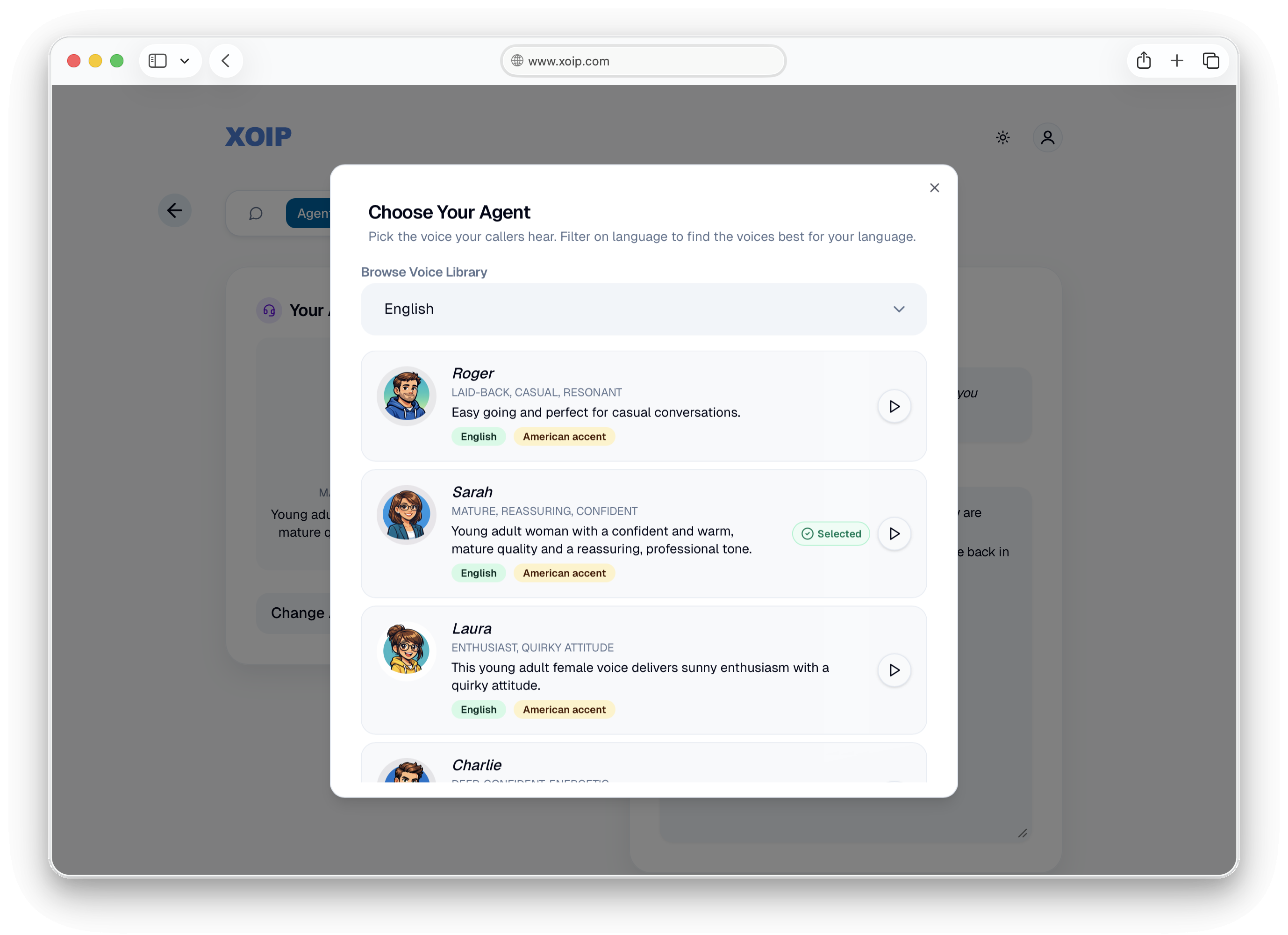
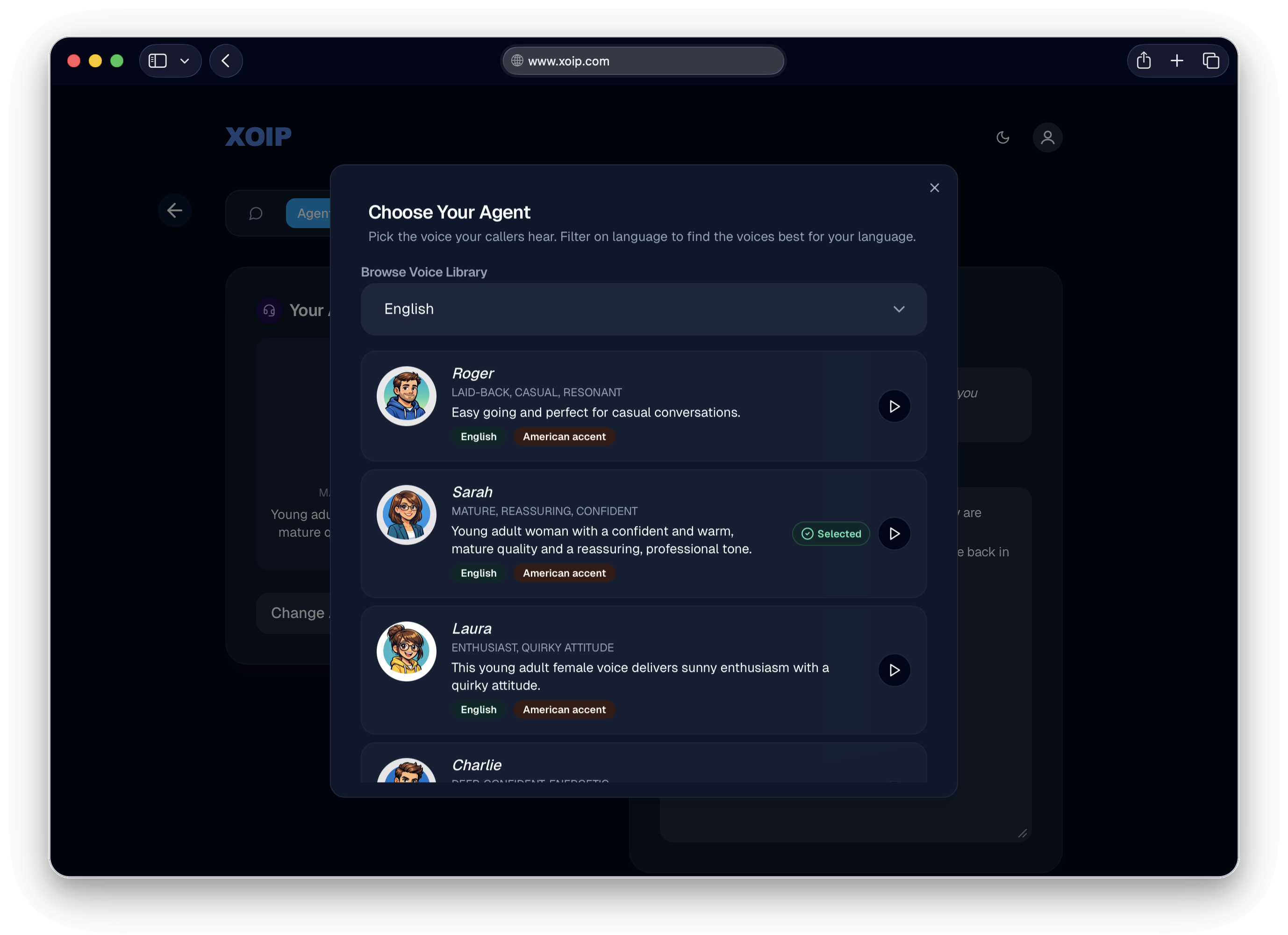
The voice agent is the first thing a customer hears when they call. A law firm should sound different from a surf shop. Owners can choose a persona that fits their business, then audition the voice before committing. Each option has a name, a character, and an audio preview. The choice carries through to the agent's introduction and tone during the call.
It also affected trust. In testing, SME owners gave more detailed instructions to a named agent than to a generic assistant. A persona made the system feel more like a colleague and less like a settings panel.
Multi-modal by default
Text and voice use separate technical pipelines, but they share one interface. The microphone button is part of the chat input, so the owner can move between typing and speaking in the same conversation. There is no mode switch to manage.
Latency as a UX problem
Voice UI starts to feel broken after roughly one or two seconds of silence. The system uses a fast model for conversation and a slower model for tool calls. The agent also uses bridging phrases such as"Let me check that" and "One second..."while it works. That gives the caller an honest signal about what is happening.
05 · What Testing Surfaced
The agent was confident. Sometimes too confident.
Early testing found a consistent failure. When someone configured a routing rule, the agent asked for some required details and missed others. A request to "Transfer billing questions to the Billing Department" might capture the phone number but omit office hours, after-hours behavior, or the voicemail address.
The fix combined prompt changes with guardrails in the orchestration layer. Each routing rule now has a required-field checklist, and the agent must complete it before confirming the rule.
06 · Building a Feedback Loop
Every call is a test, and the system can learn from it.
Manual review of voice sessions does not scale. Every call contains useful evidence, but without a structure for capturing it, the lesson disappears. I built an automated evaluation layer that runs on every session.
It runs in two passes. The first checks required fields and whether the agent confirmed the configuration correctly. The second uses a judge model to review the transcript and decide whether the user achieved their goal, with evidence for the verdict.
The output is a set of prioritized eval cards with specific findings and next steps. The next step is to send those cards to coding agents for remediation. The product should be able to find recurring gaps and help close them without a human reviewing every session.
Why this matters
Evaluation turns each call into input for the next version of the product.
The eval system turns operational data into a feedback loop. Over time, that loop can lead to automated fixes. The product can improve with every call instead of waiting for the next sprint.
07 · Status & Reflection
In active development. Here's what I'd do differently.
The chat configuration UI works. The voice interface is operational, the routing, knowledge, and agent views are complete, and the eval system runs on live sessions. Next are the customer launch, pricing validation, and the loop from eval cards to automated fixes.
I would design the completeness guardrails before the first user test. The checklist for each routing rule became obvious while watching people test the system. It should have been part of the prompt design from the start.
I would also invest in the agent persona earlier. Testing showed that SME owners gave more detailed instructions to a named, characterful agent. We added the persona picker in response, but it would have been stronger at the start of onboarding instead of inside settings.
More case studies: Cerbex Hotel Marketplace and TravelBot AI Guide